
.thumb.jpg.567ed593d4426ac28aa452a27ca7e14b.jpg)
About This File
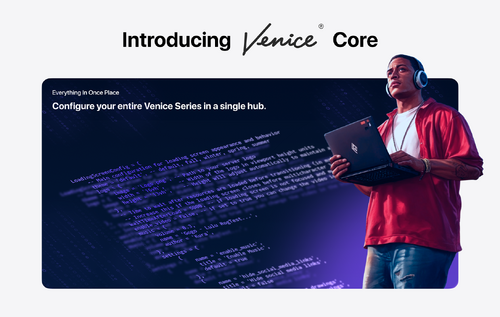
Codem Venice Loadingscreen — A fully customizable FiveM loading screen with seasonal themes, media tools, and server content built in.
Set the tone before players ever spawn. Venice Loadingscreen gives your server a professional, content-rich loading experience — seasonal themes, a music player, photo albums, server changelogs, credits, social links, and a keyboard reference, all configured from a single file.
FEATURES
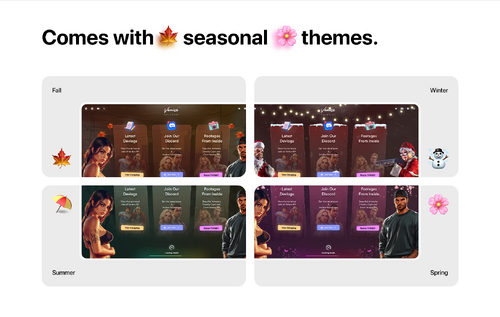
- 5 Seasonal Themes — Choose from Default, Fall, Winter, Spring, and Summer. Each theme changes the visual style of the entire loading screen. Switch with one line in the config.
- Video Background — Enable an MP4 video as the loading screen background instead of a theme. Drop your video file in the assets folder, set enable_video to true, and it runs automatically.
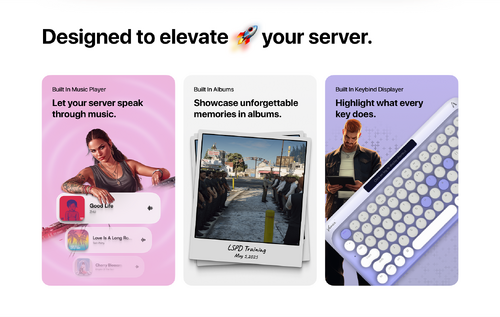
- Music Player — Built-in music player with configurable volume, track name, and artist display. Replace the included track by swapping the music.mp3 file. Players can toggle music on or off from their personal settings.
- Photo Albums — Create multiple named albums and fill them with server screenshots or promotional images. Players can browse your albums directly on the loading screen while they wait.
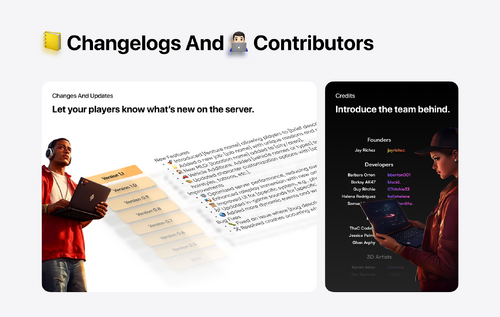
- Server Changelogs — Display versioned update logs for your server with support for multiple categories — New Features, Improvements, and Bug Fixes. Keep your community informed the moment they connect.
- Credits Section — List your server's Founders, Developers, and Designers with Discord usernames. Each role group has its own configurable gradient color.
- Keyboard Layout — Interactive keyboard layout that shows players your server's keybinds. Toggle individual keys on or off, assign descriptions, and support key combinations.
- Social Media Links — Link your Discord, Instagram, X, YouTube, and TikTok directly from the loading screen. Players are prompted with a confirmation before being redirected.
- Hold to Launch — Configurable delay after resources load before the game launches. Prevents multicharacter and spawn scripts from firing before the player is ready.
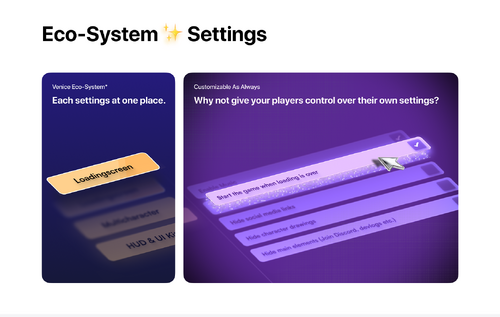
- Player Settings Panel — Players can individually toggle music, hide social links, hide character drawings, and hide main UI elements to their preference.
- Custom Server Logo — Replace the default logo with your own image. Width and height are configurable in viewport height units to fit any logo shape.
- Automatic Close Event Control — Full control over when the loading screen closes. Set automatic_close to false and call OpenMulticharacter from venice-core manually for precise timing with your multicharacter script.
- Fully Translatable — All UI text is defined in a single locales.lua file. Translate the complete interface to any language or reword any label without touching the NUI.
FRAMEWORK SUPPORT
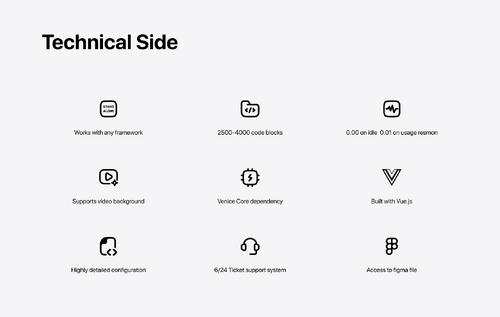
- STANDALONE (Works with any framework)