
About This File
Features
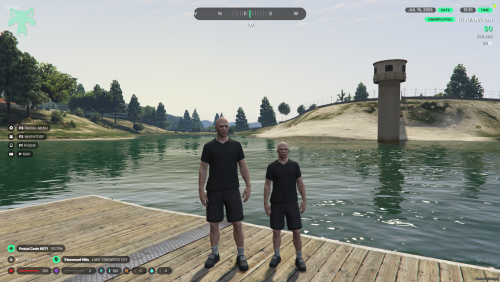
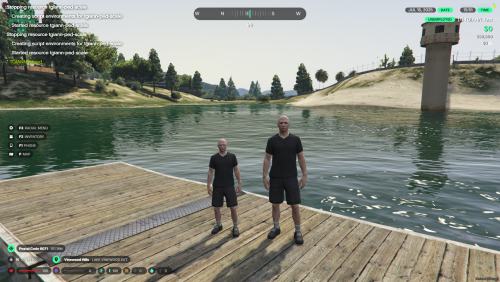
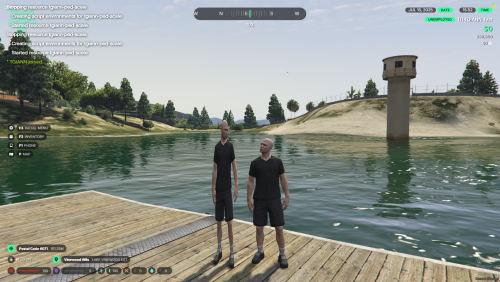
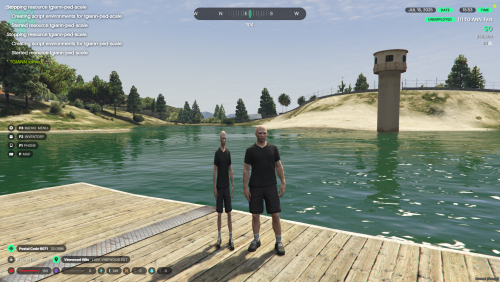
Height & Weight Adjustment Uses SetEntityMatrix to independently scale a ped's height and width at runtime.
Admin-Only Commands by Default All commands are restricted to admins out of the box - easily configurable to allow access for all players via the config file.
Full Sync Scale changes are automatically synchronized across all connected players in real time.
High Performance Engineered to have minimal impact on client tick rate, even on busy servers.
Known Issues
Because this resource relies on the native SetEntityMatrix, some limitations apply:
| Issue | Description |
|---|---|
| Unchanged Hitbox | Collision bounds remain at the ped's original size regardless of visual scale. |
| Animation Glitches | Certain animations may cause the ped to briefly snap back to its default size. |
| In-Vehicle Reversion | Entering a vehicle can reset the character to its original dimensions. |
| Weight Scaling Artifacts | Higher weight scale values are more likely to introduce visual glitches. |
Requirements
Installation
- Download the latest release from the Releases section.
-
Extract the files into your FiveM server's
resourcesdirectory. -
Add
ensure tgiann-ped-scaleto yourserver.cfg. - Restart your server.